
Your own AI.
100% on your PC.
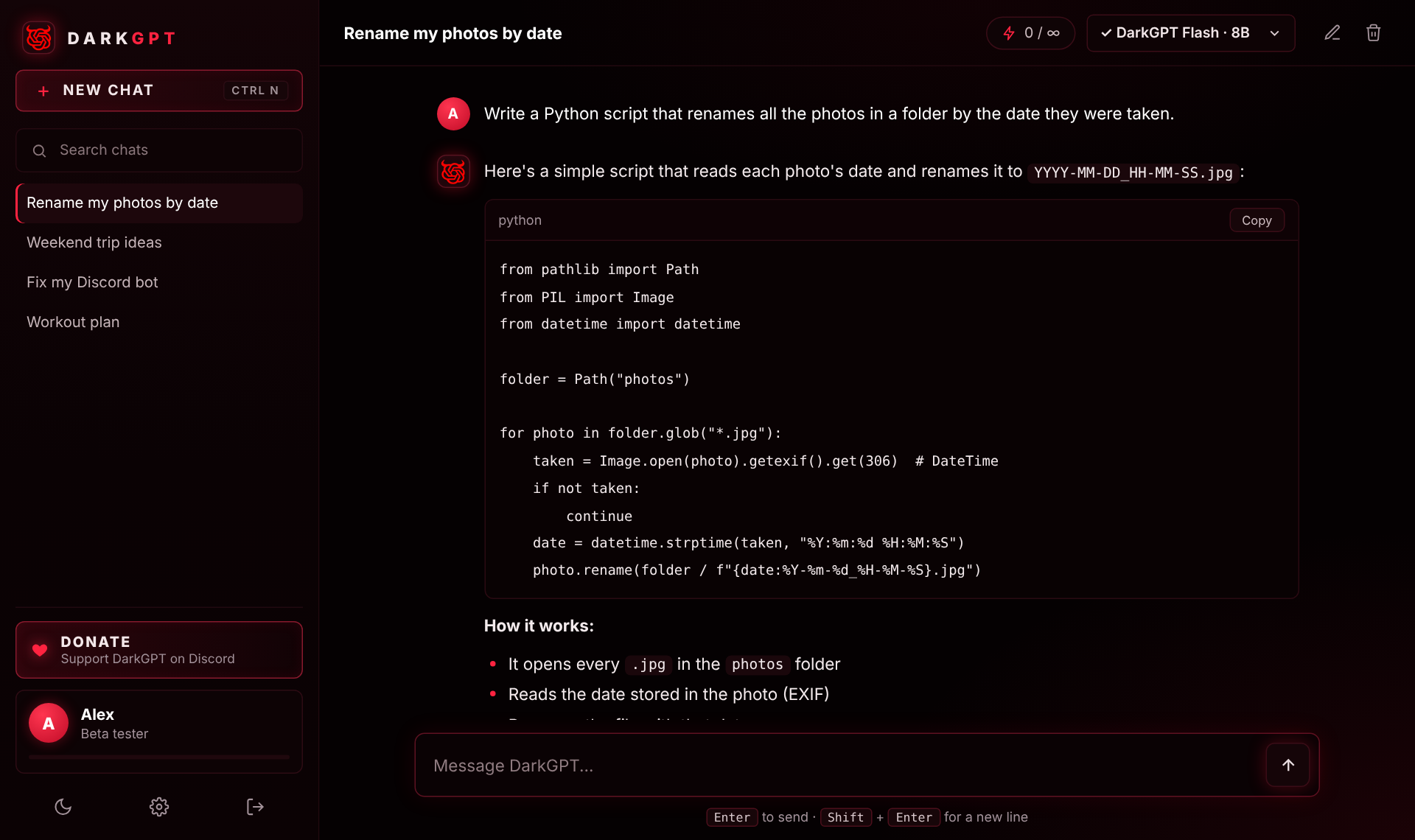
DarkGPT runs powerful AI models directly on your computer. Unlimited messages, no subscription, and your conversations never leave your PC.
- Unlimited messages
- Chats stay on your computer
- 4 models, from 8B to 27B
Beta access
Enter the key you received to download DarkGPT.
Everything you need, nothing you don't
Private by design
The AI runs on your computer. Your conversations are saved on your PC only — never on our servers.
Unlimited messages
No credits, no daily cap, no subscription. Chat as much as you want.
Your own prompt
Tell DarkGPT how to answer you once — language, tone, style — and it applies to every chat.
One-click setup
Install the app, create your account, pick a model. DarkGPT downloads and configures everything.
Pick the model that fits your PC
Fast, uncensored all-rounder. Works on most PCs.
Smarter, with very few refusals.
Uncensored, great at writing.
The smartest DarkGPT model.
Heads up: the bigger models (24B and 27B) need a good graphics card. Without one they work, but very slowly — start with DarkGPT Flash.
Install in 3 steps
- Download with your beta key and open
DarkGPT-Setup.exe. - Windows may warn you (“Windows protected your PC”) because the beta isn't signed yet: click More info, then Run anyway.
- Create your account, click Install DarkGPT, choose a model — and start chatting.
Requirements
- SystemWindows 10 or 11 (64-bit)
- Memory8 GB RAM minimum · 16 GB+ recommended
- Disk5 to 20 GB free (depends on the model)
- Graphics cardOptional · recommended for 24B / 27B
- InternetTo sign in and download models
What we store
Your account (username, password stored hashed, optional bio and photo) and how many messages you send. Never the content of your conversations — they stay on your computer.